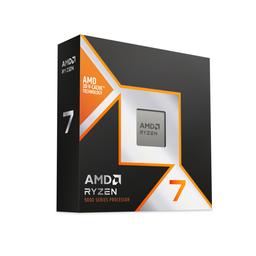
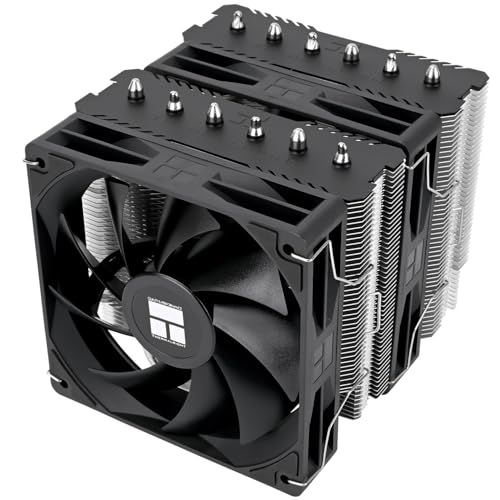
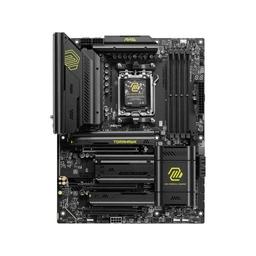
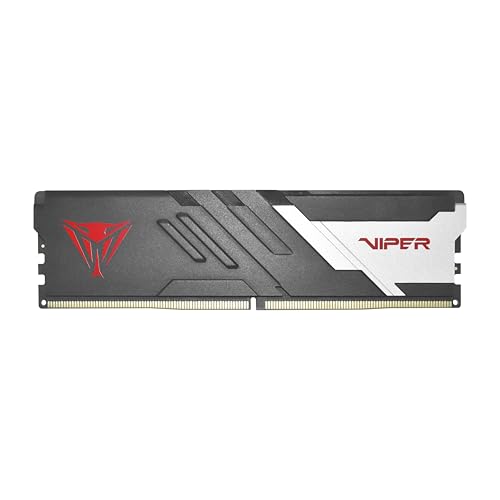
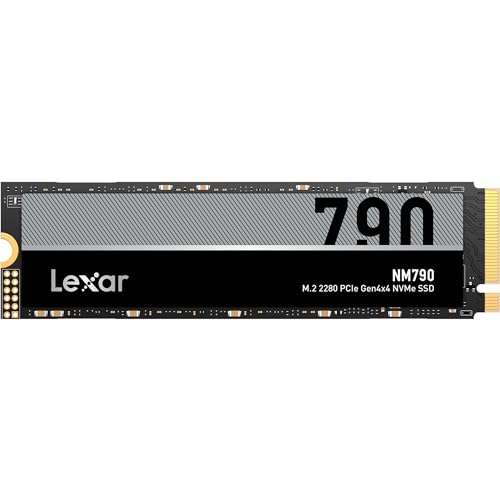
To build around a Ryzen 7 9800X3D, pair it with an X870 or B850 motherboard, 32GB of DDR5-6000 CL30, a dual-tower air cooler and a graphics card fast enough to use it. This build takes a 16GB GeForce RTX 5070 Ti for 1440p at high refresh rates. The chip needs no exotic parts, only a strong card.
The Ryzen 7 9800X3D is AMD's eight-core Zen 5 gaming chip: 96MB of L3 cache, a 5.2GHz boost clock and a 120W rating. Its extra cache sits under the cores instead of on top of them, the change Tom's Hardware describes as the difference between AMD's first and second generation of 3D V-Cache. The parts list below shows each part's price with its store and the time it was checked. Open the list in the planner to swap any part, or check a list of your own in the compatibility checker.
The parts list
Product prices and availability are accurate as of the date/time indicated and are subject to change. Any price and availability information displayed on Amazon at the time of purchase will apply to the purchase of this product.
Parts list checked Nov 21, 2026: every part showed a price on its product page and in the planner that day. On that date the graphics card was close to half of this list's total and the memory about a sixth, so those two lines decide what the build costs.
Who should build around a 9800X3D, and who should skip it
Build around it if you:
- play at 1080p or 1440p on a 240Hz-class monitor, where the processor sets the ceiling in esports and simulation games;
- play CPU-heavy games such as flight and racing simulators, grand strategy and large multiplayer shooters;
- keep a PC for years and change the graphics card along the way, so the processor has to stay ahead of faster cards;
- want an air-cooled machine: this is a 120W chip.
Skip it if you:
- play mostly at 4K, or at 1440p Ultra on a mid-range card, where the graphics card is the limit: the Ryzen 7 7800X3D build gets nearly the same frame rates for less;
- have a tighter budget: the Ryzen 5 7600X3D build keeps the 96MB cache at a much lower total;
- render, compile or edit video as much as you game: more cores do more there, as in the 3D rendering workstation;
- want the fastest card this chip can feed for 4K: the RTX 5080 build pairs the same processor with it.
9800X3D or 7800X3D: what the newer chip buys
In TechPowerUp's review, run with an RTX 4090 so that the processor was the limit, the 9800X3D led the Ryzen 7 7800X3D by about 4% at 1080p and about 3% at 1440p across its game suite. On Nov 21, 2026 the 9800X3D cost about a fifth more than the 7800X3D in our catalogue.
That gap is small, and it shrinks to nothing when the graphics card is the limit. Pay for the 9800X3D if you play CPU-limited games at very high refresh rates, or if you expect this processor to outlast two graphics cards. Otherwise buy the 7800X3D and put the difference toward the card. Both chips fit the same AM5 boards and the same memory.
The Ryzen 7 9850X3D is the step above: an eight-core Zen 5 X3D chip with a 5.6GHz boost clock in place of 5.2GHz. It cost roughly a tenth more than the 9800X3D on the same day. We cite no reviewer figure for it here, so treat it as a clock bump and price it accordingly.
One sign of how far ahead of graphics cards this chip sits: TechPowerUp builds its graphics card test system on a 9800X3D, so that the card under review is the limit.
Motherboard: X870 for the ports, B850 to save
A 120W processor asks little of a board's power delivery, so the choice is about ports. This build uses the MSI MAG X870 Tomahawk WiFi. Its listing names Wi-Fi 7, 5Gb Ethernet, a USB 40Gbps port, a PCIe 5.0 graphics slot and an M.2 Gen5 slot, with support for Ryzen 9000 processors.
If you will not use those ports, the MSI PRO B850-S WIFI6E runs the same chip for less. Its listing names Wi-Fi 6E, 2.5Gb Ethernet, a PCIe 4.0 graphics slot and an M.2 Gen5 slot. Neither board changes a frame rate. Our 9800X3D motherboard guide compares more boards for this chip by role, and the best motherboards for Ryzen 7 list covers B650, B850 and X670E side by side.
Memory: DDR5-6000 CL30, with EXPO turned on
32GB of DDR5-6000 at CL30, in two sticks, is the kit to buy for this chip. This build uses the Patriot Viper Venom DDR5-6000 CL30 kit, whose listing is the AMD EXPO version. Check the CAS latency before you buy any kit: our catalogue lists 32GB DDR5-6000 kits at CL30, CL36, CL38 and CL40 under similar names. After the first boot, enable the EXPO profile in the BIOS, or the kit runs at its slower default speed.
Chasing faster memory pays little here. TechPowerUp's tuned run of this chip, with Precision Boost Overdrive, a Curve Optimizer offset and DDR5-6200 CL28, gained under 1% at 1440p over the stock chip. Our best RAM for gaming picks rank kits by tier if you want to compare.
Cooling: a dual-tower air cooler
The 9800X3D is sold without a cooler. The Thermalright Peerless Assassin 120 SE V2 is a dual-tower air cooler with six heat pipes and two 120mm fans, the usual class of cooler for a 120W chip. A 360mm liquid cooler is a choice for looks or a very warm room, not something this processor requires. Our best CPU coolers list covers both kinds.
Graphics card: why an RTX 5070 Ti
Choose the card for your monitor, then check that the processor is worth its price beside it:
| Your monitor | Graphics card | Why |
|---|---|---|
| 1080p or 1440p, 240Hz or faster | RTX 5070 Ti (this build) | Esports frame rates run into the processor first, which is what this chip is for |
| 1440p, 144Hz to 240Hz, Ultra settings | RTX 5070 Ti or RX 9070 XT | Both have 16GB; the card is the limit in most games |
| 4K, 120Hz or faster | RTX 5080 | The graphics card sets the pace at this resolution |
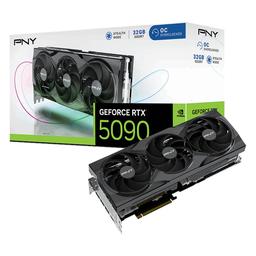
This build takes the PNY GeForce RTX 5070 Ti OC, a triple-fan card with 16GB of GDDR7. The honest comparison is the Radeon RX 9070 XT. In TechPowerUp's launch review the RTX 5070 Ti led it by 3% at 1440p without ray tracing and by 14% with ray tracing on, and on Nov 21, 2026 the cheapest RTX 5070 Ti that our catalogue priced cost about half as much again as the cheapest RX 9070 XT. We chose the NVIDIA card for its ray tracing lead and for DLSS 4 on a high-refresh panel. If neither matters to you, take the RX 9070 XT swap below and keep the difference. Our best GPUs for 1440p gaming page ranks cards at this resolution.
Swaps: cheaper, faster, or different
| Option | Swap | You gain | You give up | Total vs. this build |
|---|---|---|---|---|
| Value: graphics | ASRock Steel Legend Radeon RX 9070 XT | Nearly the same speed without ray tracing | DLSS 4 and the ray tracing lead | Less |
| Value: CPU | Ryzen 7 7800X3D | Most of the gaming speed: about 3% to 4% behind in TechPowerUp's review | A little frame rate in CPU-limited games | Less |
| Value: board | MSI PRO B850-S WIFI6E | The same socket, Wi-Fi 6E and an M.2 Gen5 slot | Wi-Fi 7, 5Gb Ethernet and the USB 40Gbps port | Less |
| Step-up: graphics | PNY OC GeForce RTX 5080 | About 12% more speed at 1440p and 14% at 4K, per TechPowerUp | Nothing but money; the 850W supply meets NVIDIA's minimum for it | More |
| Step-up: CPU | Ryzen 7 9850X3D | A 5.6GHz boost clock in place of 5.2GHz | Money, for a gain we cite no figure for | More |
Each product page shows that part's price with its store and the time it was checked.
Estimated FPS with this card
| Game | Preset | 1080p | 1440p | 4K |
|---|---|---|---|---|
| Counter-Strike 2 | High | 413 | 363 | 245 |
| Marvel Rivals | Ultra | 198 | 150 | 84 |
| Fortnite | Epic | 190 | 142 | 84 |
| Call of Duty: Warzone | Ultra | 165 | 130 | 92 |
| Baldur's Gate 3 | Ultra | 149 | 130 | 84 |
| Cyberpunk 2077 | Ultra | 149 | 114 | 65 |
| Hogwarts Legacy | Ultra | 124 | 102 | 69 |
| Monster Hunter Wilds | Ultra | 99 | 75 | 44 |
| Microsoft Flight Simulator 2024 | Ultra | 74 | 67 | 50 |
| Alan Wake 2 | Ultra | 79 | 59 | 34 |
| Average | 164 | 133 | 85 |
These are estimates, not results from this build. They are the rows our per-game GPU rankings use for a GeForce RTX 5070 Ti at native resolution, with ray tracing and upscaling off: an RTX 4090 reference curve on a Ryzen 7 7800X3D, scaled for this card by its relative performance at each resolution in TechPowerUp's June 2026 retest of every card: 0.827 at 1080p, 0.788 at 1440p and 0.765 at 4K.
That matches TechPowerUp's RTX 5070 Ti launch review, which put the card at about 79% of an RTX 4090 at 1440p. Read them with one caution: the reference processor is the 7800X3D, which the same site places about 3% behind the 9800X3D at 1440p, so the rows a processor limits, Counter-Strike 2 above all, are if anything a little low for this build.
At 1440p nine of the ten games clear 60 fps (Alan Wake 2 runs at 59) and five clear 120. At 4K seven of the ten hold 60 fps natively; Alan Wake 2, Monster Hunter Wilds and Flight Simulator 2024 want DLSS upscaling.
Compatibility and power
We ran this list through the same engine as the compatibility checker on Nov 21, 2026. It passed all 11 checks the engine can run from our catalogue data, among them socket, memory type, board size, cooler socket, M.2 slot and power supply wattage. It could not run nine more, including the case's cooler-height and card-length limits, which our catalogue does not hold yet, so this page carries no compatibility badge. It is a machine check of specifications, not an assembled build.
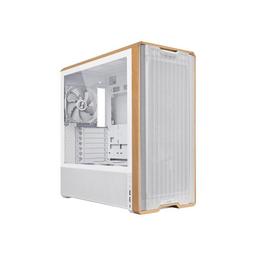
The two clearances it could not check, from the makers' pages: Lian Li lists 180mm of cooler clearance and 380mm of card clearance for the Lancool 217. Thermalright lists the Peerless Assassin 120 SE V2 at 155mm tall, and the longest RTX 5070 Ti in our catalogue is 357mm.
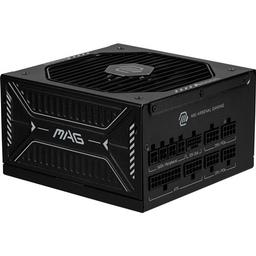
Power has margin. NVIDIA lists 300W of graphics power and a 750W minimum supply for the RTX 5070 Ti, and our engine estimates about 537W for this whole list at full load. The 850W MSI MAG A850GLS PCIE5 is a fully modular 80+ Gold unit whose listing names a native 12V-2x6 cable, so the card needs no adapter.
First-boot checklist
- Update the BIOS if the board offers a newer release, before installing Windows.
- Enable EXPO so the memory runs at DDR5-6000 CL30. The first boot afterwards takes longer while the board trains the memory.
- Seat the 12V-2x6 plug fully. Push it into the card until it clicks and sits flush, and do not bend the cable sharply at the plug.
- Plug the monitor into the graphics card, not the motherboard, and set its refresh rate in Windows.
Related builds and pages
- The same chip with a faster card: the RTX 5080 build.
- The same card with a cheaper X3D chip: the RTX 5070 Ti build, or the 1440p high-refresh build.
- Boards for this chip, compared: the 9800X3D motherboard guide.
- The processors ranked for games: best CPUs for gaming.
Sources
- TechPowerUp, AMD Ryzen 7 9800X3D review, game results at 1080p and at 1440p (RTX 4090): the 9800X3D's lead over the 7800X3D, and the tuned run's gain. Accessed Nov 19, 2026.
- TechPowerUp, Sapphire Radeon RX 9070 GRE Pulse review, relative performance (June 2026, every card retested on one test system): the relative performance at each resolution our FPS rows are scaled by. Accessed Nov 20, 2026.
- TechPowerUp, MSI GeForce RTX 5070 Ti Ventus 3X OC review, relative performance: the RTX 5070 Ti against the RTX 4090 and RTX 5080. Accessed Nov 19, 2026.
- TechPowerUp, Sapphire Radeon RX 9070 XT Nitro+ review, relative performance and ray tracing: the RTX 5070 Ti against the RX 9070 XT. Accessed Nov 19, 2026.
- TechPowerUp, PowerColor Radeon RX 9070 Hellhound review, test setup: the 9800X3D in its graphics card test system. Accessed Nov 19, 2026.
- Tom's Hardware, AMD Ryzen 5 7600X3D review: where the cache sits in each generation of 3D V-Cache. Accessed Nov 19, 2026.
- NVIDIA, graphics card comparison: the RTX 5070 Ti's graphics power and minimum supply. Accessed Nov 19, 2026.
- Lian Li, Lancool 217, and Thermalright, Peerless Assassin 120 SE V2: case clearances and cooler height. Accessed Nov 19, 2026.
- PlanMyPC catalogue and compatibility engine, Nov 21, 2026: part prices behind the relative price statements, store listings, card lengths and the estimated wattage (first-party).